Quick answer: The safest way to digitize HR processes is to start with one high-frequency, rule-based process (usually leave and attendance or onboarding paperwork), run it as a pilot with a single team, keep the manual process available as a fallback during transition, and expand only after the pilot proves out. Companies that try to digitize every HR function simultaneously are the ones most likely to see adoption fail.
If your HR team still spends Friday afternoons chasing leave forms, onboarding paperwork, or approval signatures over email and WhatsApp, you're in the majority, not the exception. Most Indian businesses digitized payroll years ago and left everything else — attendance exceptions, document collection, performance reviews, exit formalities — running on spreadsheets and institutional memory.
The instinct when someone finally decides to fix this is to digitize everything HR touches, all at once, with one system launch. That instinct is exactly what causes most HR digitization projects to underperform. Below is a more reliable path, along with the specific process order, cost ranges, and rollout sequencing that tends to actually stick.
Why HR Digitization Projects Stall
Three patterns show up repeatedly in HR digitization projects that don't deliver:
They try to digitize everything at once. A big-bang rollout across recruitment, onboarding, leave, performance, and exit processes simultaneously overwhelms both the HR team building it and the employees learning five new workflows in the same month. Adoption drops, and the old spreadsheet workarounds quietly return within a quarter.
They pick the loudest complaint, not the most expensive process. The process employees complain about most isn't always the one costing HR the most hours or generating the most payroll errors. Prioritizing by noise instead of cost is a common, avoidable mistake.
Nobody owns adoption after go-live. IT hands over a login, HR sends one announcement email, and six months later, half the team is still emailing PDFs "just to be safe" because nobody was assigned to reinforce the new process.
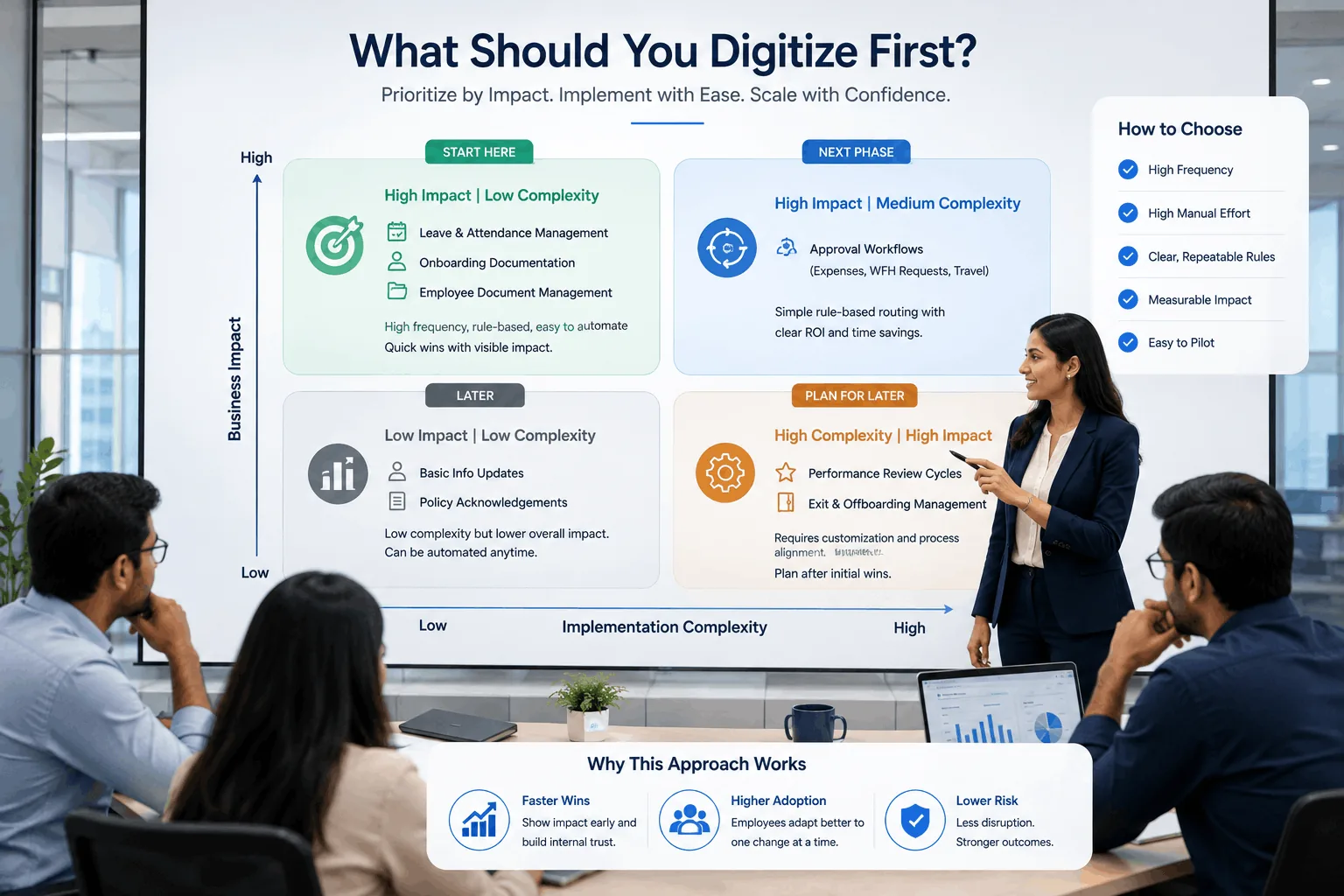
Which HR Processes to Digitize First
Not every HR process deserves equal digitization priority. The strongest candidates share three traits: high frequency, high manual hours, and clear, repeatable rules that don't require case-by-case judgment.
| Process | Why It's a Strong Candidate | Typical Complexity |
|---|---|---|
| Leave & attendance management | Touched by every employee monthly; frequent source of payroll reconciliation errors | Low–Medium |
| Onboarding documentation | Repetitive, rule-based, painful to chase manually — especially for distributed hires | Low |
| Employee document management | High-volume, high-risk if lost or misfiled (offer letters, ID proofs, compliance acknowledgments) | Medium |
| Approval workflows (expenses, WFH requests) | Simple rule-based routing currently handled by manual email forwarding | Low |
| Performance review cycles | Higher complexity — often needs customization to your specific review framework | Medium–High |
| Exit and offboarding | Lower frequency but high compliance risk if steps are missed | Medium |
Start with something from the "Low" complexity column. A visible, fast win on leave management or onboarding documentation builds the internal credibility needed to tackle harder processes like performance reviews later.
How to Digitize Without Disrupting Your Team
Run a real audit before touching any tool. Map exactly how each candidate process works today — who's involved, how long each step takes, and where it currently breaks down. Digitizing a broken process just makes it a faster broken process.
Pilot with one team before a company-wide rollout. Choose a single department to test the new digital process. Their real feedback — not your assumptions about what employees want — should shape the version that rolls out everywhere else.
Keep the manual fallback available during transition. A hard cutover on day one creates panic and workarounds that undermine trust in the new system. A few weeks of parallel availability gives people room to build confidence.
Train managers as deliberately as employees. Managers approve leave, expenses, and onboarding tasks constantly. An untrained manager becomes the single biggest bottleneck to adoption — more than employee resistance ever is.
Explain the "why," not just the "what." Employees adopt new systems faster when they understand the benefit to them directly — fewer chasing emails, faster approvals — not just that participation is mandatory.
What HR Digitization Actually Costs in India
Costs vary widely depending on scope, but as a general planning range for Indian businesses in 2026:
- Off-the-shelf HRMS/HR software subscription: roughly ₹50–₹250 per employee per month, depending on feature depth and vendor
- Lightweight custom workflow for a single process (e.g., a leave approval system): typically ₹1.5–₹4 lakh for initial build, depending on complexity and integrations
- Fully custom HR platform covering multiple processes with integrations: often ₹8–₹25 lakh+ depending on scope, with ongoing maintenance costs
The right number depends entirely on whether your process fits a standard tool or needs custom rules — which is exactly the decision the next section covers.
Build vs. Buy: What Actually Fits HR
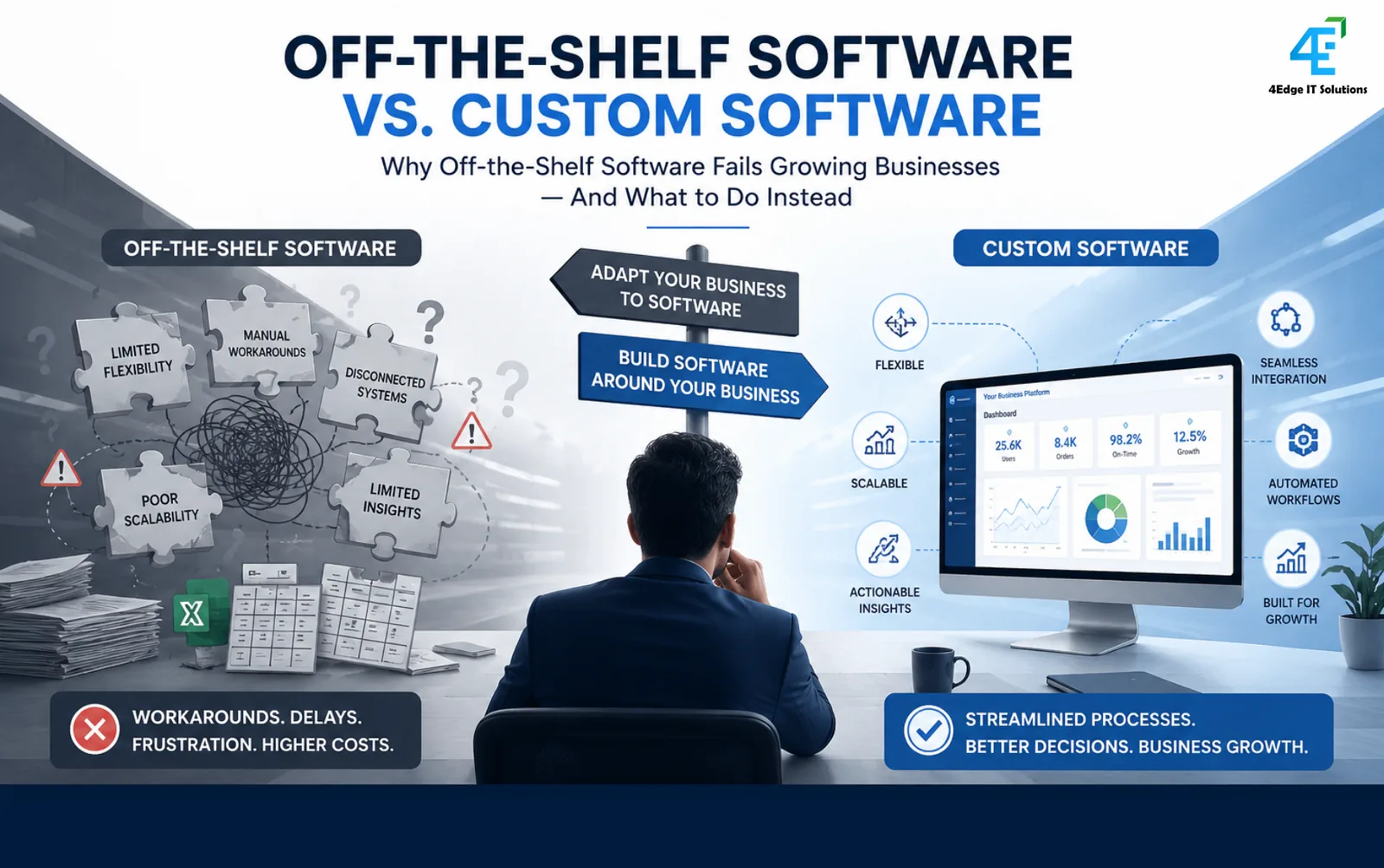
Off-the-shelf HR software works well for standard workflows most companies share — leave, attendance, basic approvals. Problems appear when your process has unusual rules: multi-level approvals unique to your org structure, region-specific compliance requirements, or integrations with existing systems that generic tools don't support out of the box.
In those cases, a custom-built or custom-configured workflow — even a lightweight one — often costs less over three years than forcing your process to bend around a rigid off-the-shelf tool, and it avoids the "shadow spreadsheet" problem, where employees quietly route around a system that doesn't match how they actually work.
Enterprise Software Decision Toolkit
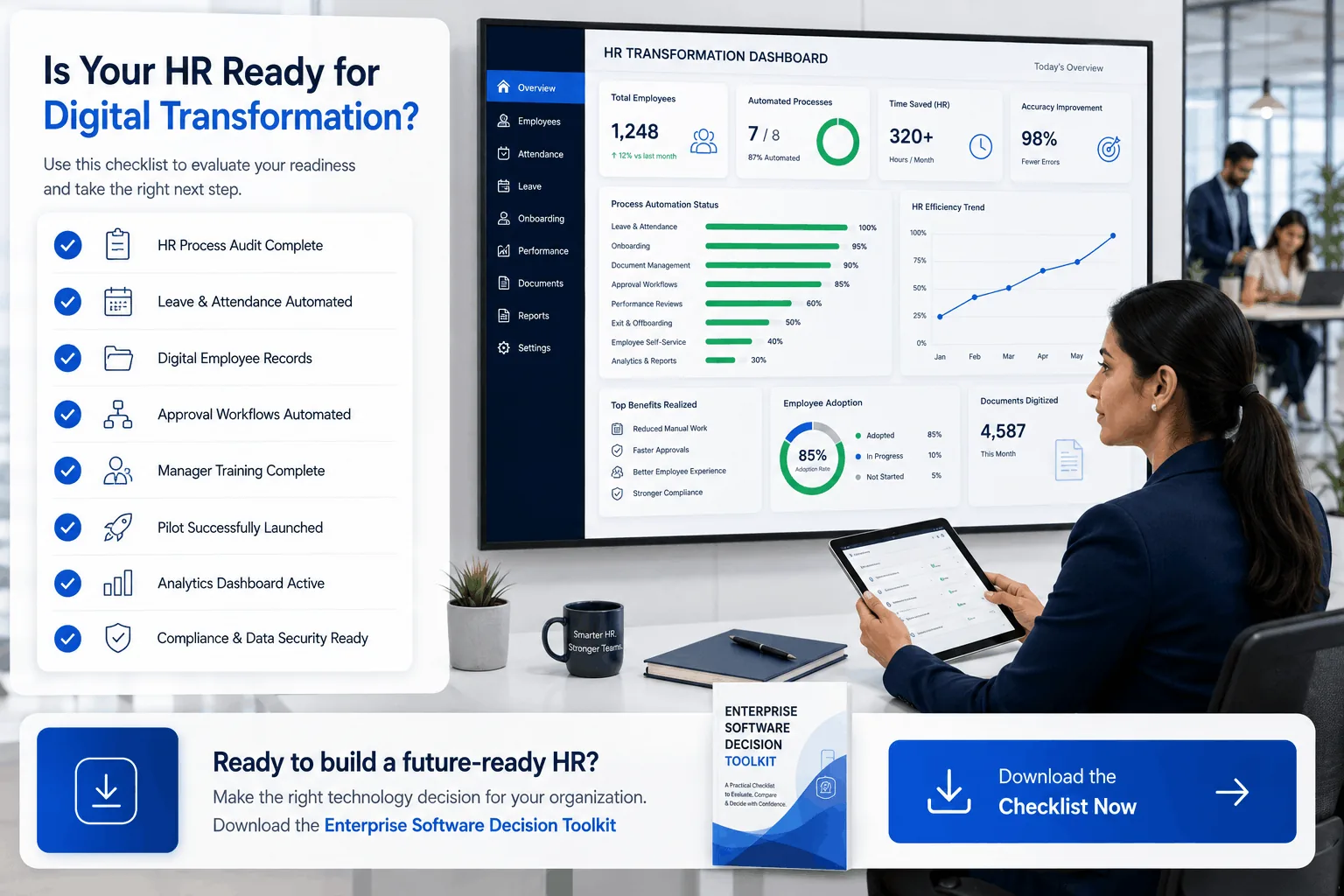
Not sure whether your HR processes need an off-the-shelf tool or something custom-built around your organization's specific rules? Our Enterprise Software Decision Toolkit walks you through exactly this decision — download the checklist and score your options before you commit a budget.
Frequently Asked Questions
How long does it take to digitize HR processes for a mid-sized company?
A single-process pilot (like leave management) typically takes 4–8 weeks from audit to launch. A broader multi-process digitization program, rolled out in phases, usually takes 4–9 months depending on how many processes are involved and whether custom development is needed.
What's the biggest mistake companies make when digitizing HR?
Trying to digitize every process simultaneously instead of piloting one high-value process first. This overwhelms both HR and employees, and often results in partial adoption or a reversion to manual workarounds.
Do small businesses need custom HR software, or is off-the-shelf enough?
Most small and mid-sized businesses are well served by off-the-shelf HRMS platforms for standard processes like leave and attendance. Custom development becomes worth considering once your process has org-specific rules, compliance requirements, or integration needs that off-the-shelf tools can't handle without heavy workarounds.
Which HR process should be digitized first?
Leave and attendance management or onboarding documentation are typically the best starting points — high frequency, low complexity, and a process every employee interacts with regularly, making the impact of digitization immediately visible.
How do you get employees to actually adopt a new HR system?
Pilot with one team first, keep the manual process available during transition, train managers thoroughly (not just employees), and clearly communicate what's in it for employees — not just that it's now mandatory.
About the author
4Edge Engineering TeamChief Technology Officer
Heads engineering at 4Edge IT Solutions, delivering custom web and mobile applications, API integrations and Odoo ERP implementations for growing businesses.